Solo travel
Traveling alone, with your people one hold away.
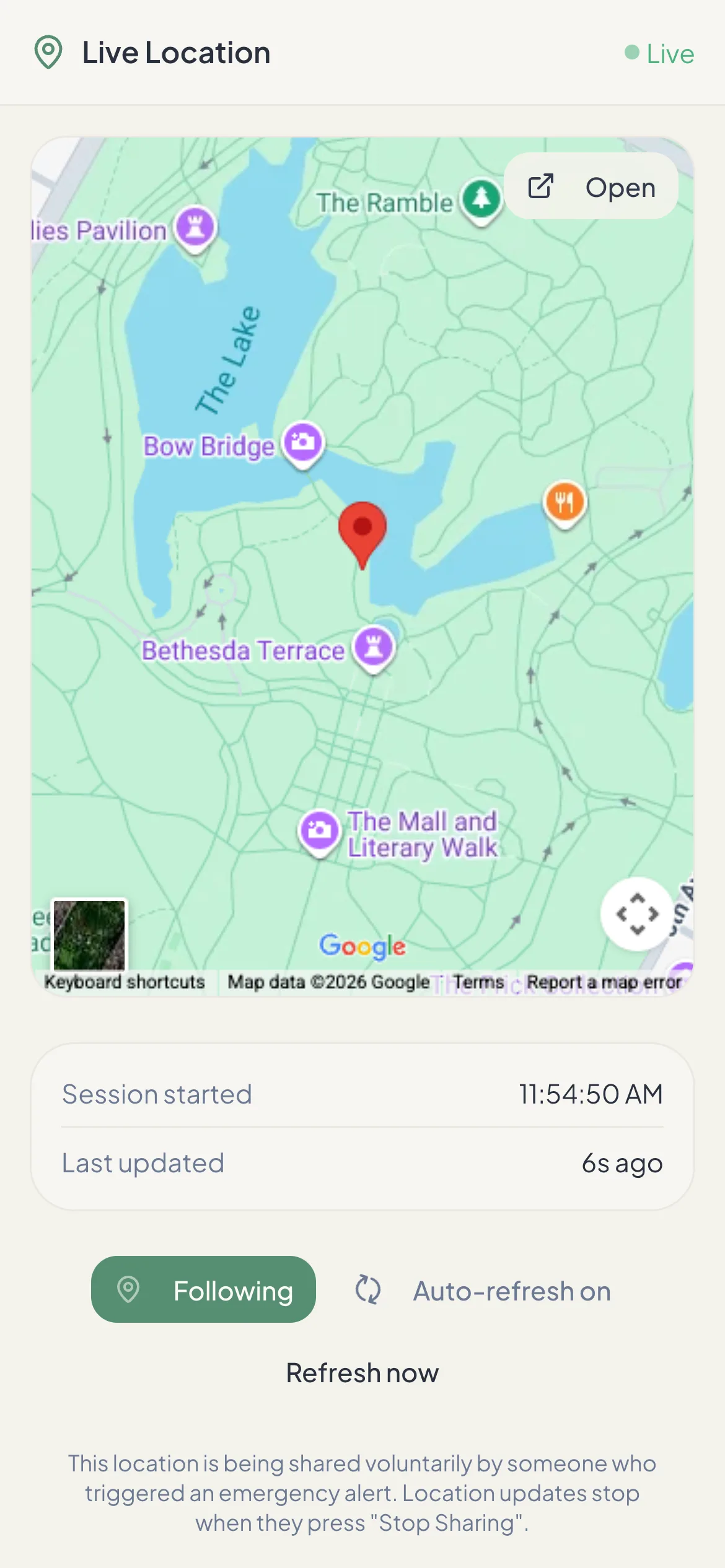
Wherever you have data, one hold of the SOS button sends your live location to someone back home. Here’s how to make it work on the road.
How travelers use OneTapAlert
- SOS with location. Contacts at home get a link to a live map of where you are — useful when you don’t know the address yourself.
- Safety timer for day trips (paid). Set it for a hike, a night out or a long drive. If you don’t check in, your contacts are alerted with your last known location.
- Email reaches anywhere. Your contacts get the email alert wherever they are.
Before you go
- Plan for data. Alerts need a data or Wi‑Fi connection. Get a local SIM, an eSIM or a roaming plan so your phone stays online.
- Learn the local emergency number. It isn’t 911 everywhere — 112 works across much of Europe and on many phones. OneTapAlert does not contact emergency services.
- Choose contacts who’ll be awake. Time zones matter. Include at least one person who checks email at the hours you’re out.
- Brief your contacts. Tell them you added them, what an alert email looks like, and what you’d want them to do if one arrives.
- Know the limits abroad. Texts and calls come from a US number (+1 877 405 9946); delivery to contacts outside the US depends on local carriers. Email works everywhere.
On the road
- Keep your phone charged; carry a battery pack on long days.
- Allow precise location for OneTapAlert so your position is accurate.
- Share your itinerary separately with someone you trust — the app only shares location during an alert.
- If you need help, keep the app open while sharing so updates keep flowing. Sharing stops when you press Stop or after 24 hours.
More planning tips on our blog: travel scam awareness and travel insurance basics.
OneTapAlert is not an emergency service. It alerts the people you choose. It does not contact 911 or dispatch help. If you are in immediate danger, call 911 or your local emergency number.
Be Ready Before You Need It.
Set up your trusted contacts in a few minutes. The free plan sends SOS email alerts with a live location link. No credit card needed.