Seniors & families
One big button for the people you look out for.
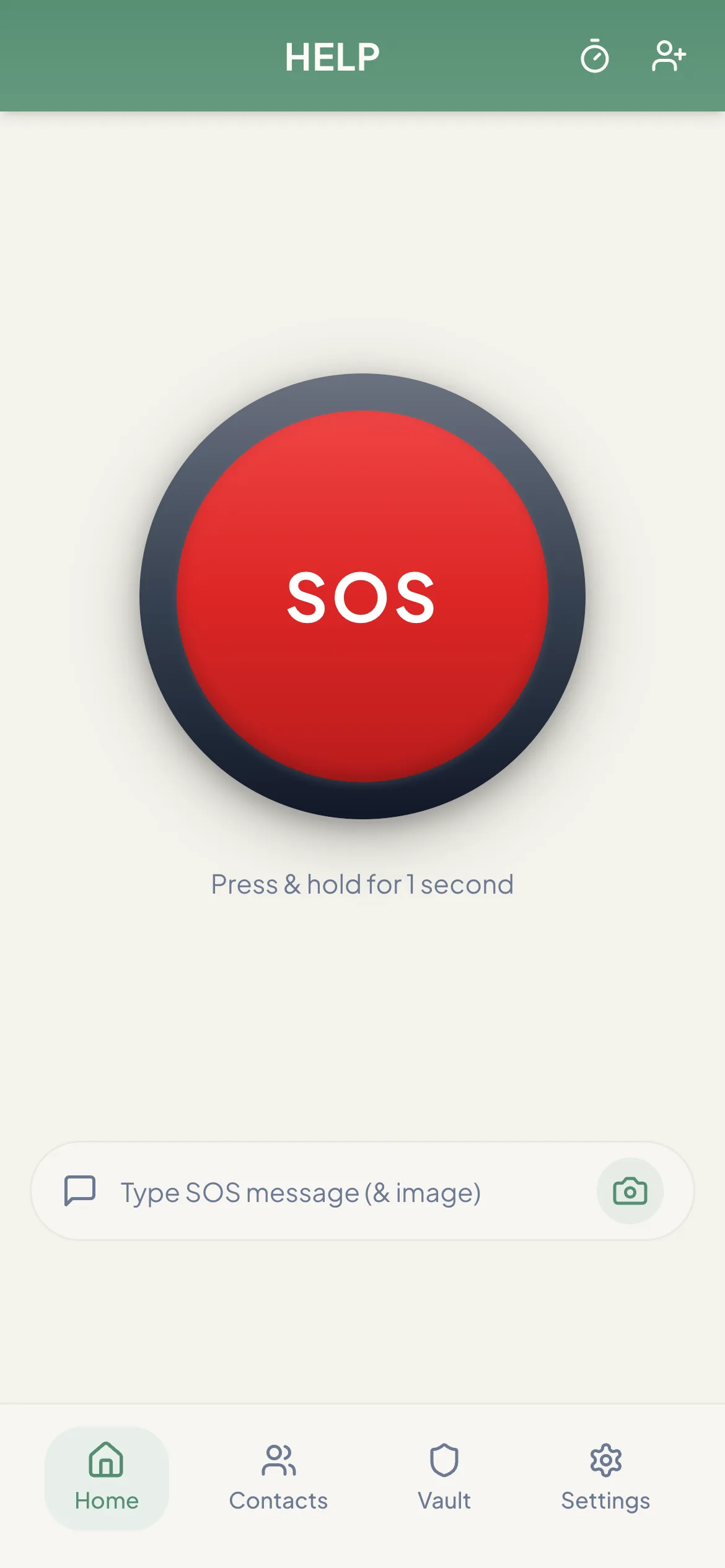
For an older parent who lives alone or walks on their own, OneTapAlert puts a single SOS button on their phone — and sends the alert to you.
Why families choose a simple SOS app
- One large button. The home screen is the SOS button. Holding it for 1 second avoids accidental alerts from a pocket or a bump.
- Up to 3 family members. Pick the people most likely to answer — for example two children and a neighbor.
- Nothing for you to install. Family members get the alert by email, and by text and phone call on a paid plan.
- Their location, only in an emergency. You can’t track your parent day to day. Many older adults appreciate that.
Setting it up together
- Install OneTapAlert on their phone from the App Store or Google Play, or open app.onetapalert.com.
- Create their account with their own email address.
- Allow location access when the phone asks. Without it, an SOS can’t be sent.
- Add family members as trusted contacts, with an email address and a mobile number.
- On a paid plan, save +1 877 405 9946 in each family member’s phone as “OneTapAlert” so the call is answered.
- Agree what an alert means: call them first, go over, or call 911.
What families should consider
No single tool covers every situation. Before choosing, think about:
- Falls. OneTapAlert does not detect falls, and someone who has fallen may not be able to reach their phone. If falls are a major worry, look at a wearable alert with fall detection or a monitored medical alert service — possibly alongside OneTapAlert.
- Whether they carry their phone. An app only helps if the phone is nearby and charged.
- Connection at home. Alerts need Wi‑Fi or mobile data.
- Who will respond. Choose contacts who live close enough to help or will call 911 on their behalf.
- Built-in phone features. Set up Emergency SOS and Medical ID on their iPhone, or Emergency SOS on Android, as well.
Our blog has practical guides for older adults, such as living alone safely and fall prevention.
OneTapAlert is not an emergency service. It alerts the people you choose. It does not contact 911 or dispatch help. If you are in immediate danger, call 911 or your local emergency number.
Set it up before it’s needed.
It takes a few minutes to add family as contacts. The free plan sends email alerts with a live location link.